
I was trying to describe a specific feature of one of my novel’s characters to a friend, and I realised it would be significantly easier to just draw an example. Nothing fancy, nothing great, no Da Vinci masterpiece (either one), just a rough “this is what I am thinking”.
I reached for my Windows PC, thinking I could just use Paint.
It’s been quite a while since I’ve used the built-in tools of Windows. I pretty much live on my Mac these days, and occasionally rough it with Linux, but Windows? I use it when I have a specific need. And this seemed like that kind of need: Paint is super simple, just a pixel pencil and a palette. (and a brush and spray can, I suppose.)
I was stunned when, instead of simple little Paint, rudimentary Paint, ordinary easy-to-use Paint, I was greeted with this:
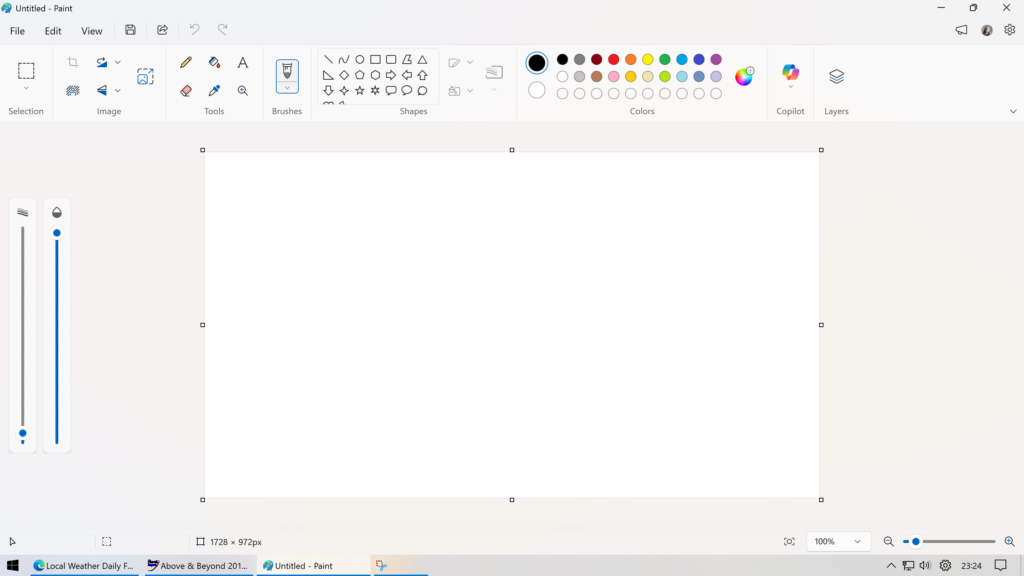
Now, I’ve been doing creative works on computers since the 1990s. I remember Photoshop 5.5 on Mac OS 8.6. I’ve been brushing up my sketching skills in Fresco on my iPad and Illustrator CC on my Mac. I am not a technophobe and I am not averse to these sorts of tools.
But why?! I opened Paint because I don’t want to think about brush type, flow, and opacity. I just wanted the Windows 95 style Pencil:

I know this may sound silly, but the whole point of me going to Paint was because I didn’t want to have to think about all of the stuff I do when I use my “real” art software. I just wanted to quickly put some pixels on the screen to show my friend a specific style of dog ears.
I don’t know why they had to go and make it so complicated.