
It’s been quite an ordeal to avail myself of a working Power Mac G5, but I’ve finally done it!
As we covered in Live stream is: Delayed, my main Power Mac G5 ended up having some hardware issues. I haven’t been able to fully diagnose it yet, but it feels like a power supply issue to me. It’s just too weird that it powers off waiting for Leopard to boot. It seems to run (at least for an hour) under Tiger, but I’m not convinced – this is probably just because there was no load on it as it was running idle.
I went in my closet and dug out my “backup G5”. Many moons ago, this was glen.foxkit.us and it was notable for being the first 64-bit PowerPC computer to run LXQt. It was relegated to “backup” status by having a failed GPU. Normally, that wouldn’t be such an issue, but its former owner had somehow drilled an oversized screw into the card retainer which proved impossible to remove. I put a new 500 GB WD Blue SATA SSD in the lower bay, a full 8 GB of DDR 400 RAM to populate all eight sockets, and then began the work to remove the GPU.
It took some out-of-the-box thinking between me, my best friend Horst, and my Mum, but we finally managed to think of a way to remove the screw. Using a steel Allen key as a primitive form of chisel ram, I put the end of the key on the observe of the screw hole and whacked it with a hammer until it was finally free. Part of the G5’s card chassis remained attached to the screw somehow, even.
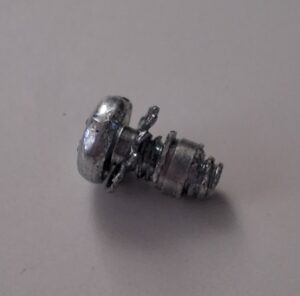
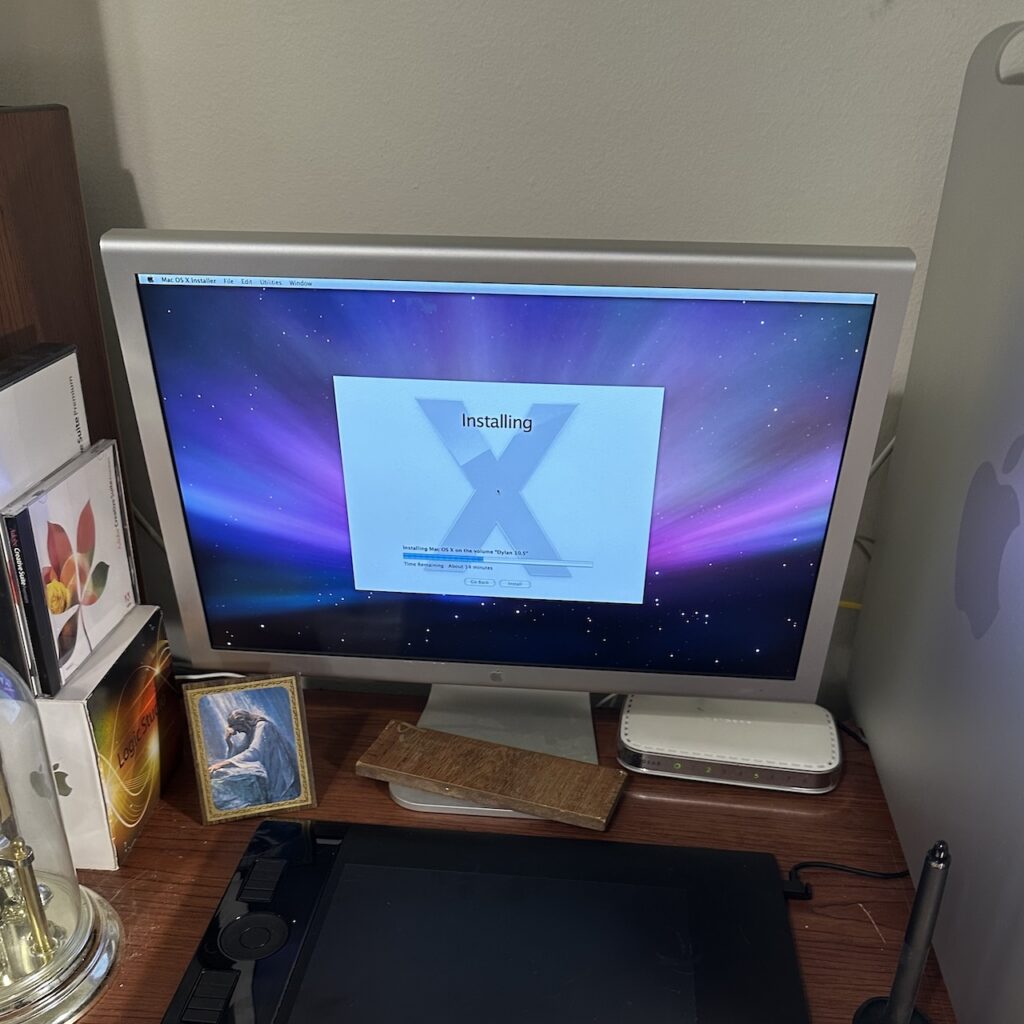
I installed a Radeon 9600 pulled from a Late 2004 G5, and booted off a Leopard DVD. Signs of life! We’re getting places now!
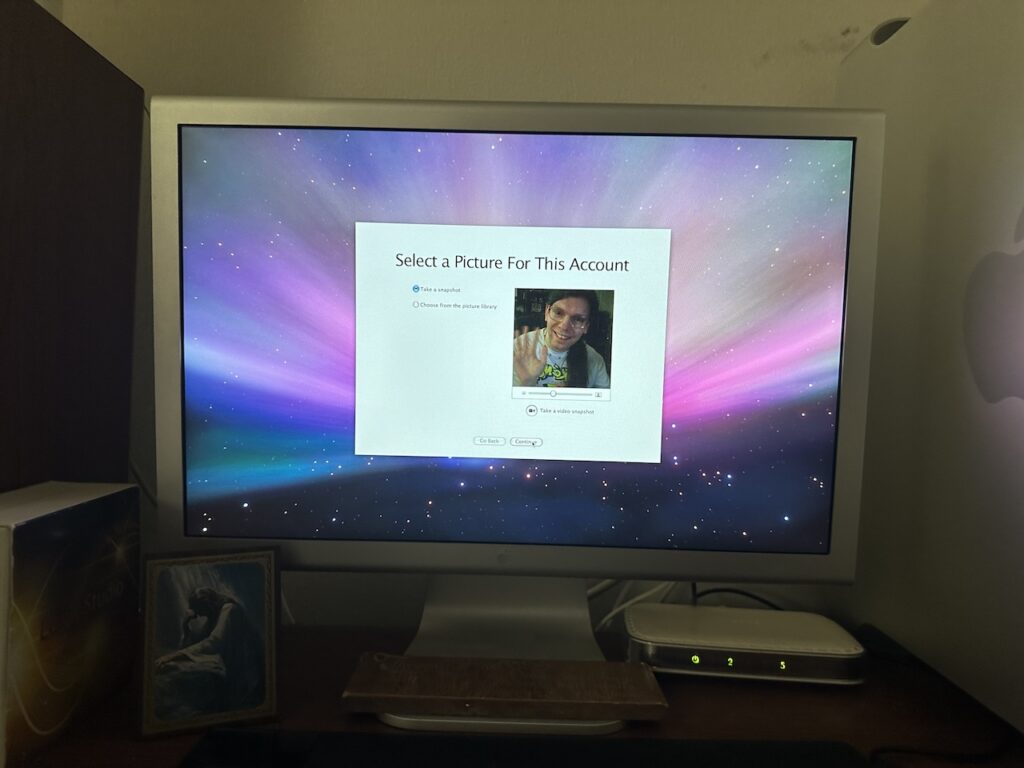
I was quite happy to hear Exodus Honey playing from the front speaker when it booted into the installed system. That was quite a nostalgia hit! And lo and behold, the trusted iSight even decided to join the party and offer to take a photo of me for my account picture.
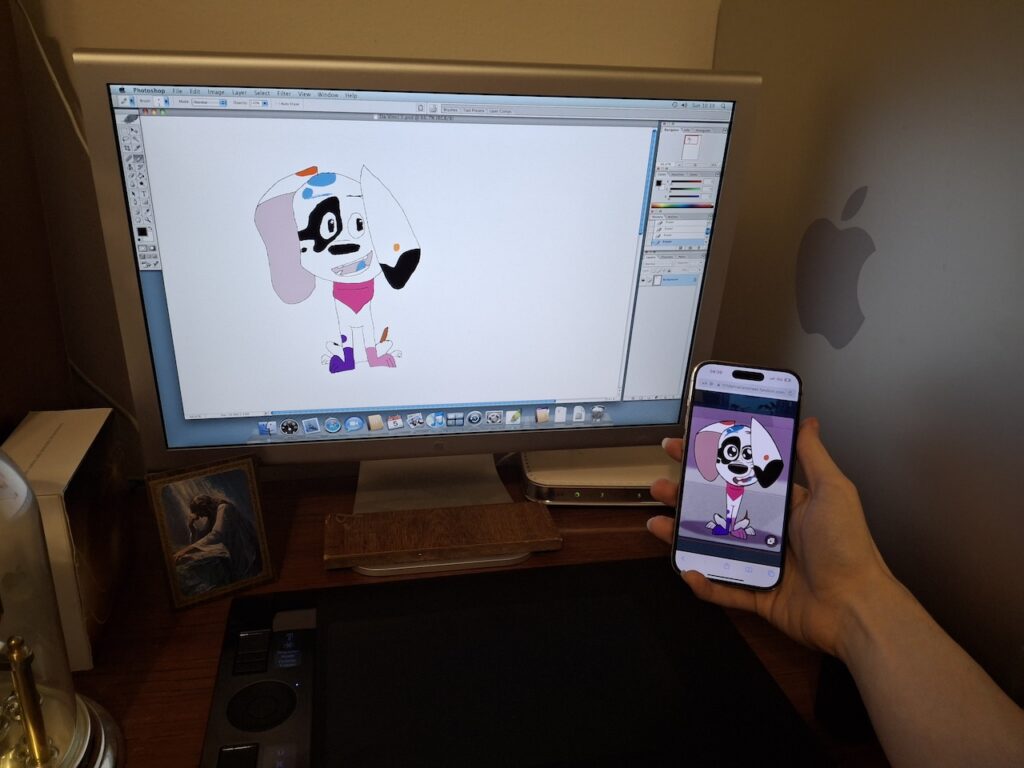
I spent the rest of the morning installing Adobe Creative Suite and the Wacom tablet drivers. I then had a go at some practice sketching. And since I know that’s what everyone is actually here for, I present Spots’ first Wacom sketch – who else would it be?
I’m super excited to have a working G5 again, and even more excited to be able to start planning art streams again! I hope to have something figured out by this weekend. Stay tuned to this blog and my Bluesky for an eventual announcement!
[…] cubbies instead. Since I already moved my ColorSync monitor onto that table to make room for the Power Mac G5, they’ll be more useful there. I’ll try to get a photo of the newly tidied office over […]
[…] this is a failure of the disk or memory. And since this used to be glen.foxkit.us at one point, as mentioned before, I remembered the actual reason he was retired. Yes, the GPU was failing, but the other thing that […]